Kiosk Recording App Case Study

Video Confessional Booth

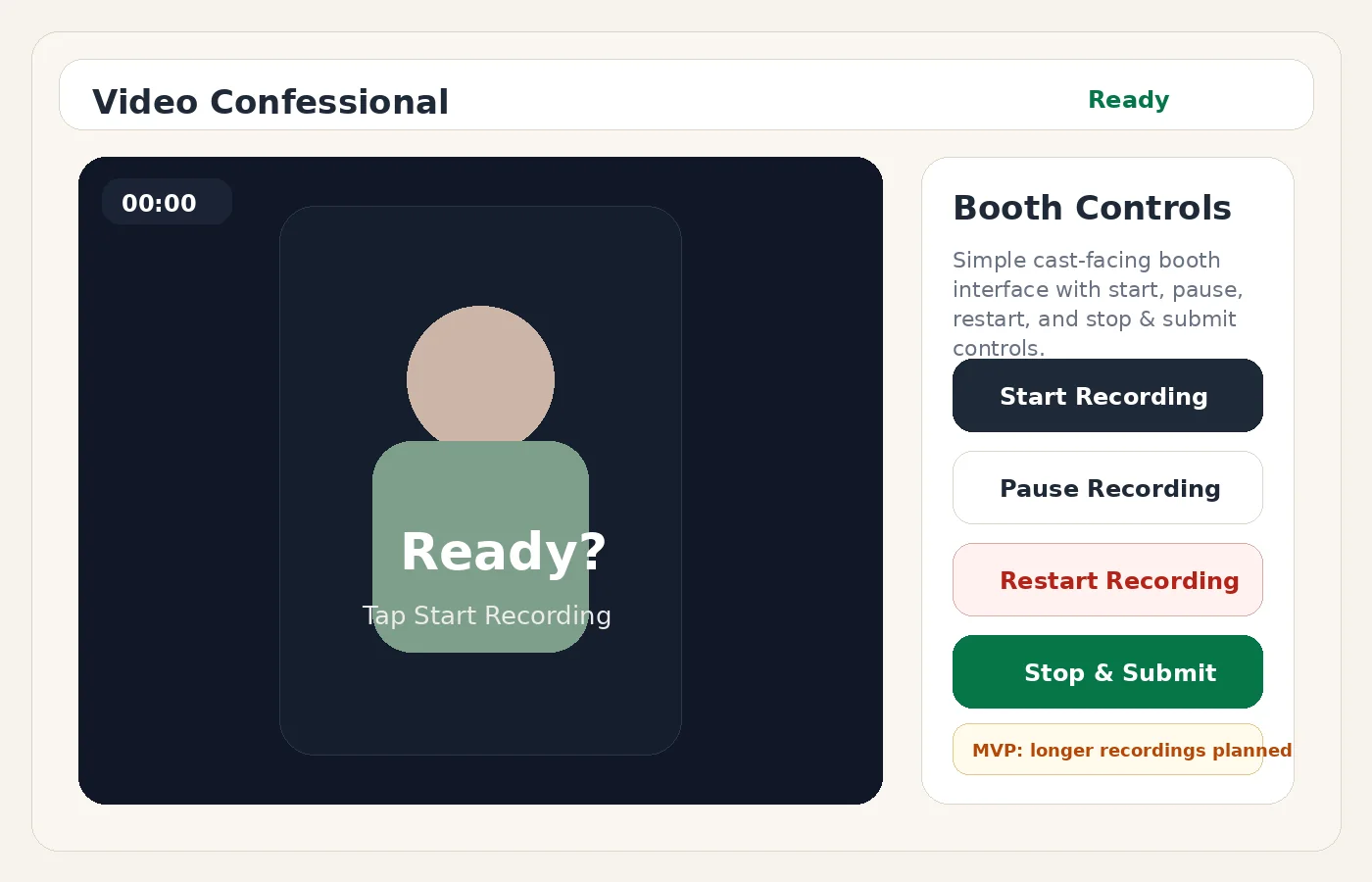
A focused booth recording demo designed to keep the cast-facing experience simple: start, pause, stop and submit, or restart. Prompt cards and metadata stay out of the booth so recording stays clean and low-stress.

Use caseVideo capture booth
Build typeKiosk app demo
FocusSimple recording flow
StatusPublic demo
Video Confessional Booth preview

Project overview

The Video Confessional Booth demo was built around one important principle: the person recording should not have to manage metadata, questions, or admin fields. The booth should only provide the recording controls needed in the moment, while tagging and archive work can happen later.

4booth controls
0metadata fields in booth
1simple recording flow

The problem this solves

Longer recordings need a smoother experience than a basic web form upload.
A booth interface needs to work well on tablets, especially when the user is standing in front of the camera.
Too many questions or metadata fields can make the recording process feel confusing.

What was built

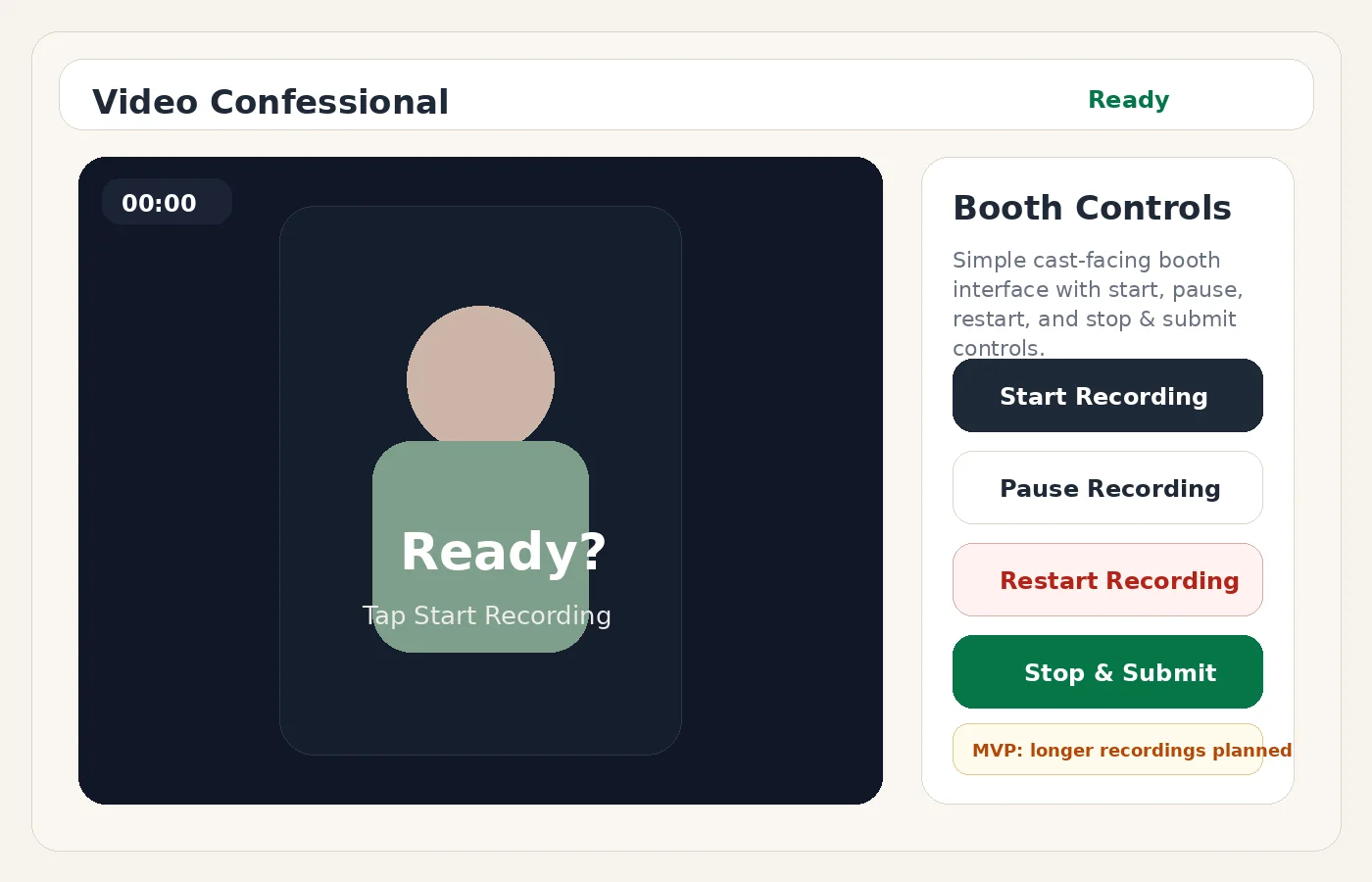
Simple cast-facing interface with Start Recording, Pause Recording, Stop and Submit, and Restart Recording.
Admin-side metadata planning so the booth does not display prompts or tagging fields.
Upload strategy planning for longer recordings, chunked uploads, Google Drive storage, and device sleep concerns.
Mobile and tablet-friendly layout with visible controls.

Why it matters

Keeps the booth experience clean and easy to operate.
Separates recording from archival tagging and review workflows.
Provides a reusable pattern for testimonial booths, confessionals, interviews, and event capture.

Screenshot walkthrough

These visuals show the demo direction, major screens, and the kind of user experience the case study is presenting.

Video Confessional Booth screenshot
Tablet recording booth interface
Video Confessional Booth screenshot
Tablet recording booth interface

Build approach

Simplify the cast-facing interface down to only essential recording controls.
Plan the upload and storage workflow for longer recordings.
Keep metadata and prompt tagging on the admin side.
Package the demo with close controls and a case study for the portfolio.

Need something like this?

Arsenal Media can turn a messy workflow into a focused demo, internal tool, or customer-facing experience.

Start a Conversation
Start a Project