Internal business application development
Replace scattered spreadsheets and manual update chasing with a web app that fits your real workflow, roles, fields, statuses, reports, and approvals.
Arsenal Media builds custom business dashboard development projects, internal web applications, employee operations dashboards, contractor CRM software, workflow automation systems, and SEO-ready websites for service businesses across the United States.
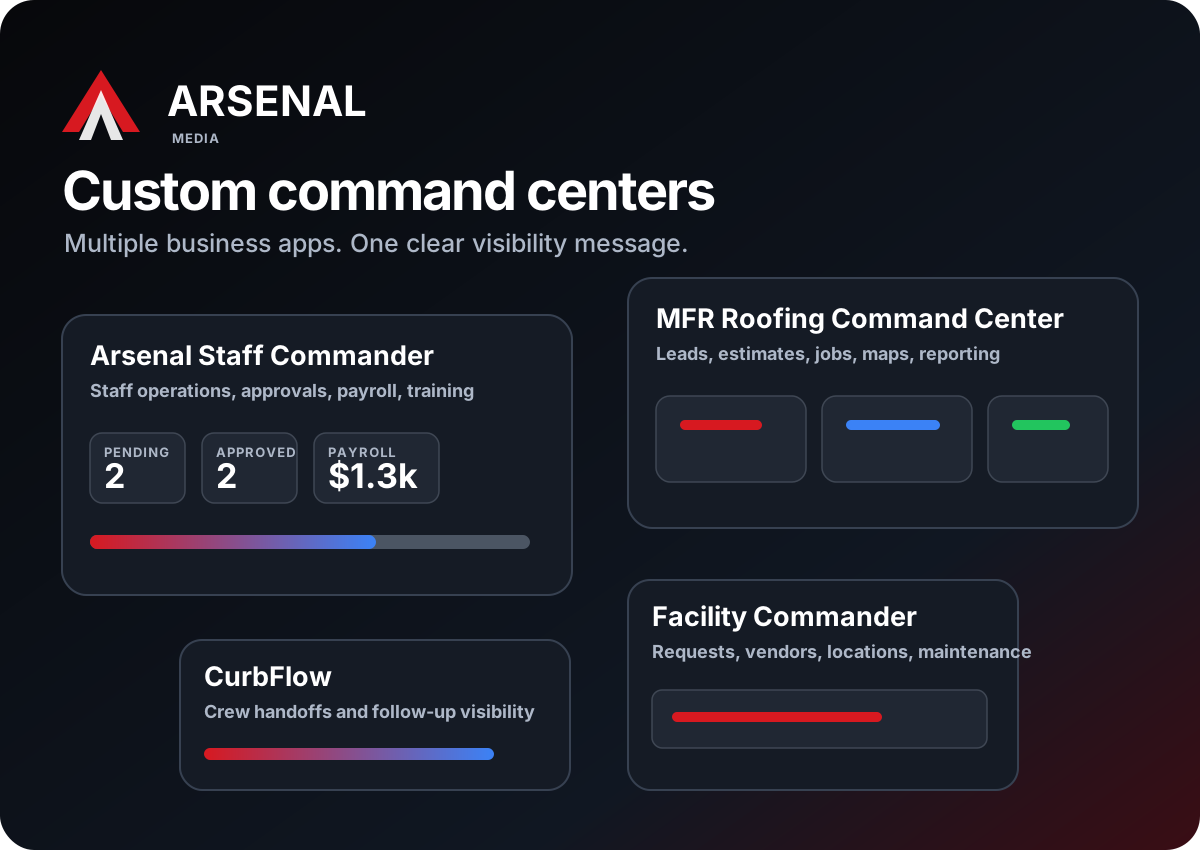
Most companies do not need another generic tool. They need one focused command center that shows what is open, assigned, overdue, approved, waiting, completed, or falling through the cracks.
Arsenal Media creates custom internal business applications for teams that have outgrown spreadsheets, inboxes, disconnected CRMs, shared documents, and manual reporting. The goal is simple: give owners, managers, and employees one place to see the daily work that matters.
A custom dashboard can start small with one workflow, like approvals or job tracking, then grow into a full command center with customers, staff, jobs, training, payroll visibility, reports, and website lead flow connected around the same process.
Replace scattered spreadsheets and manual update chasing with a web app that fits your real workflow, roles, fields, statuses, reports, and approvals.
Track requests, submissions, assignments, deadlines, approvals, follow-ups, and exceptions before they become missed revenue or management confusion.
Turn daily operational activity into clear owner-ready views, filtered reports, exportable summaries, and better visibility for leadership.
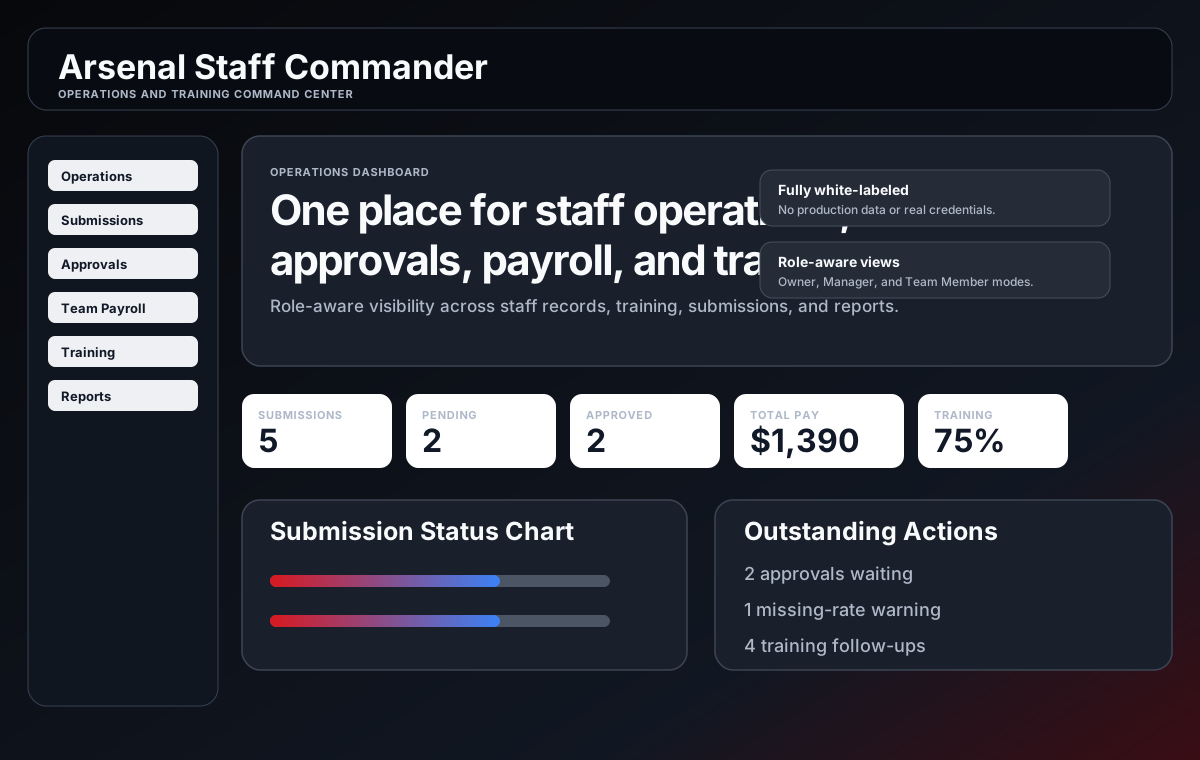
This featured demo shows how scattered employee operations can become one focused management command center without exposing production records, credentials, payroll data, or training accounts.
The homepage now shows multiple application examples without repeating the same featured app. Each one points to a different business workflow: contractor CRM, field operations, facility requests, security operations, media capture, and local service websites.
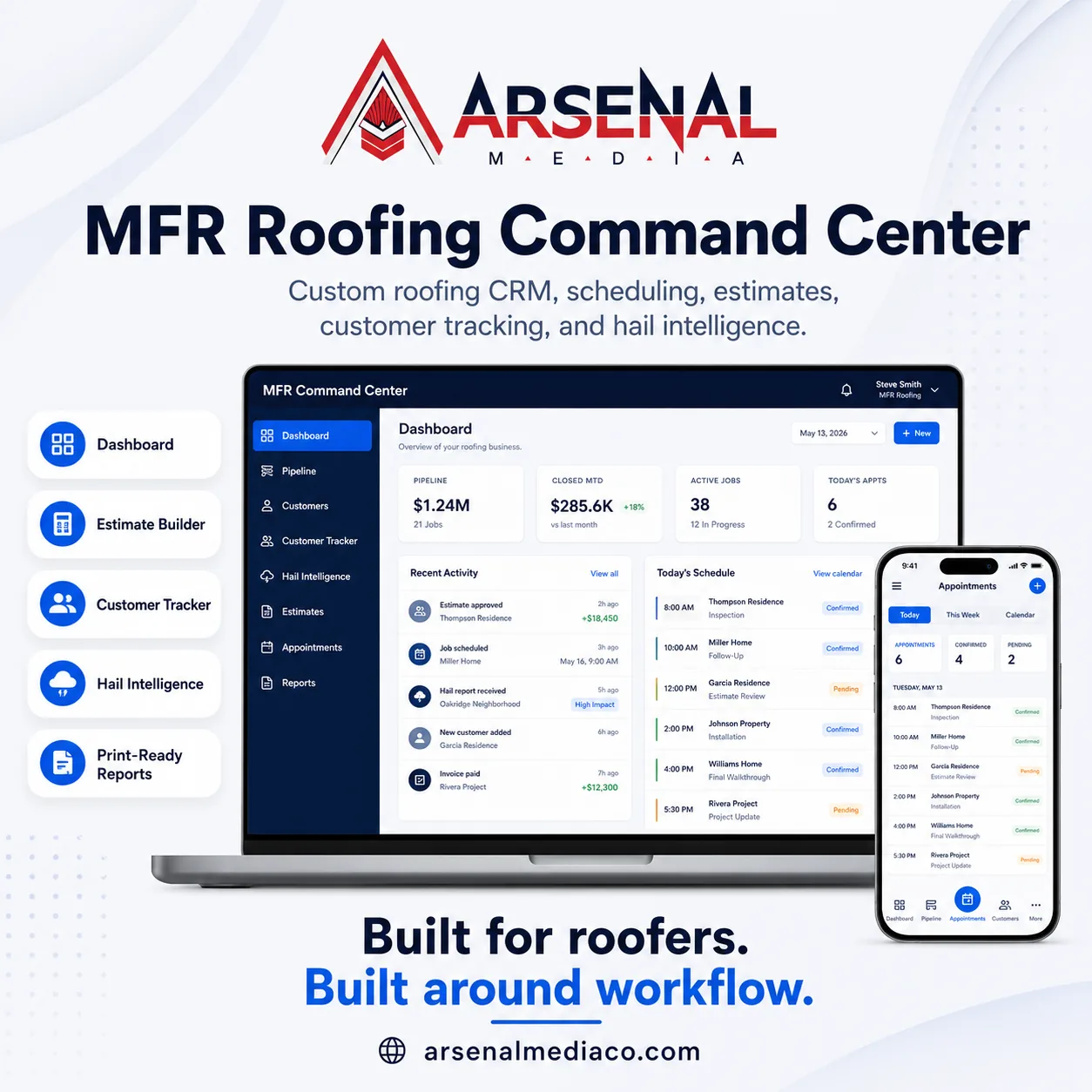
Contractor CRM, estimates, customer tracking, appointments, reporting, and storm workflow intelligence.
Read Case Study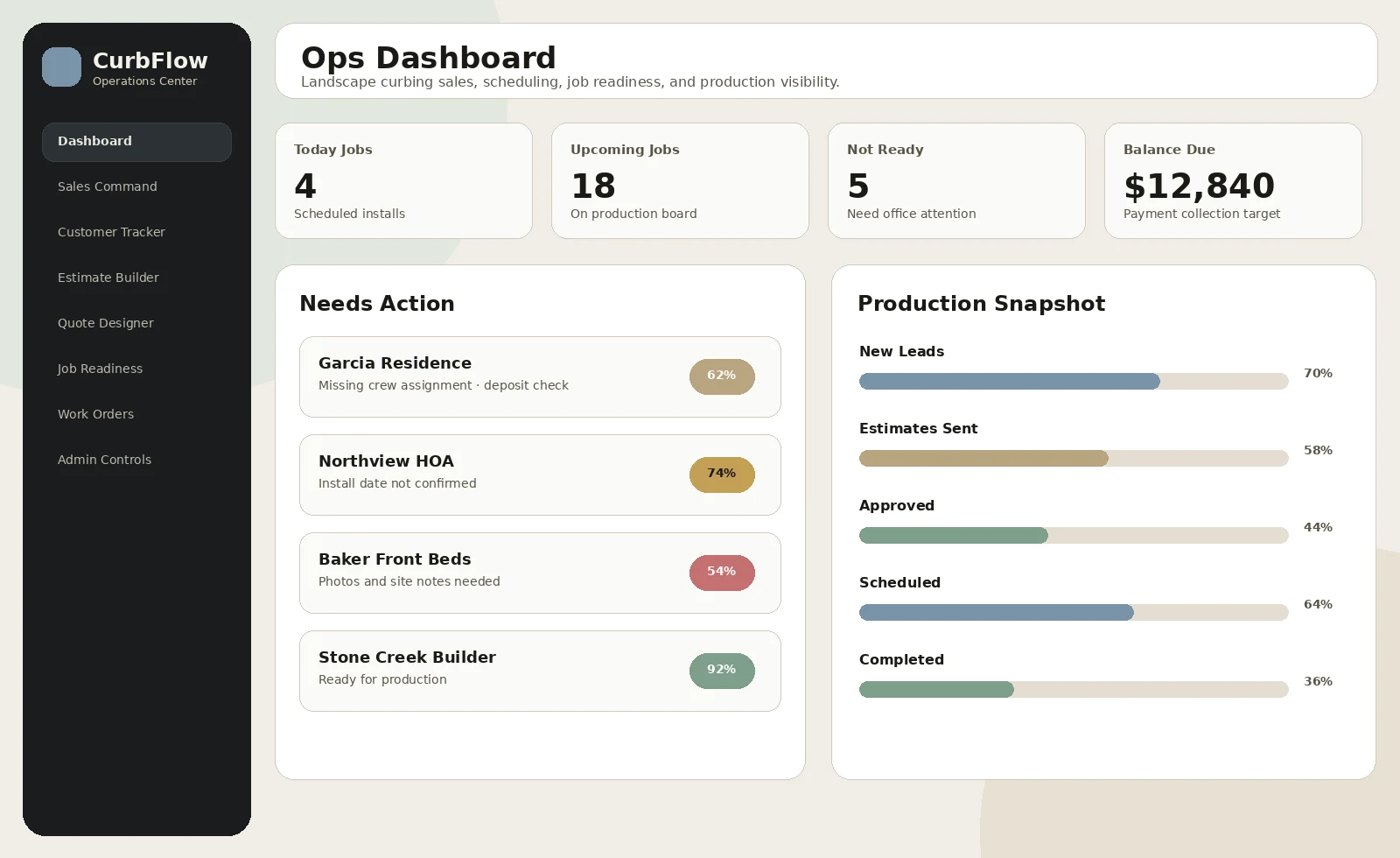
Lead tracking, estimates, jobs, crew handoffs, and follow-up visibility for contractor workflows.
View Example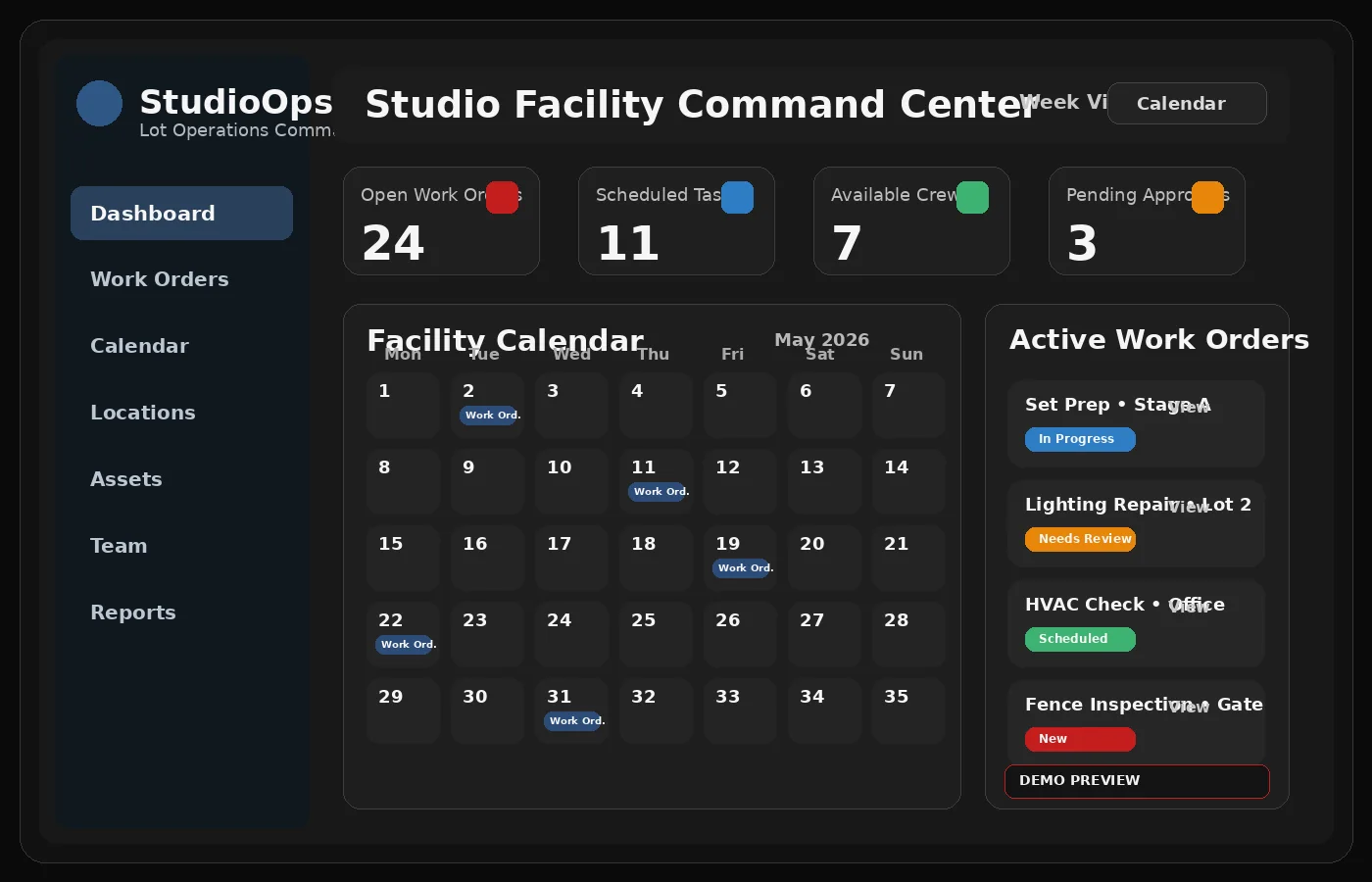
Request and work-order visibility for maintenance, vendors, locations, and overdue items.
View Example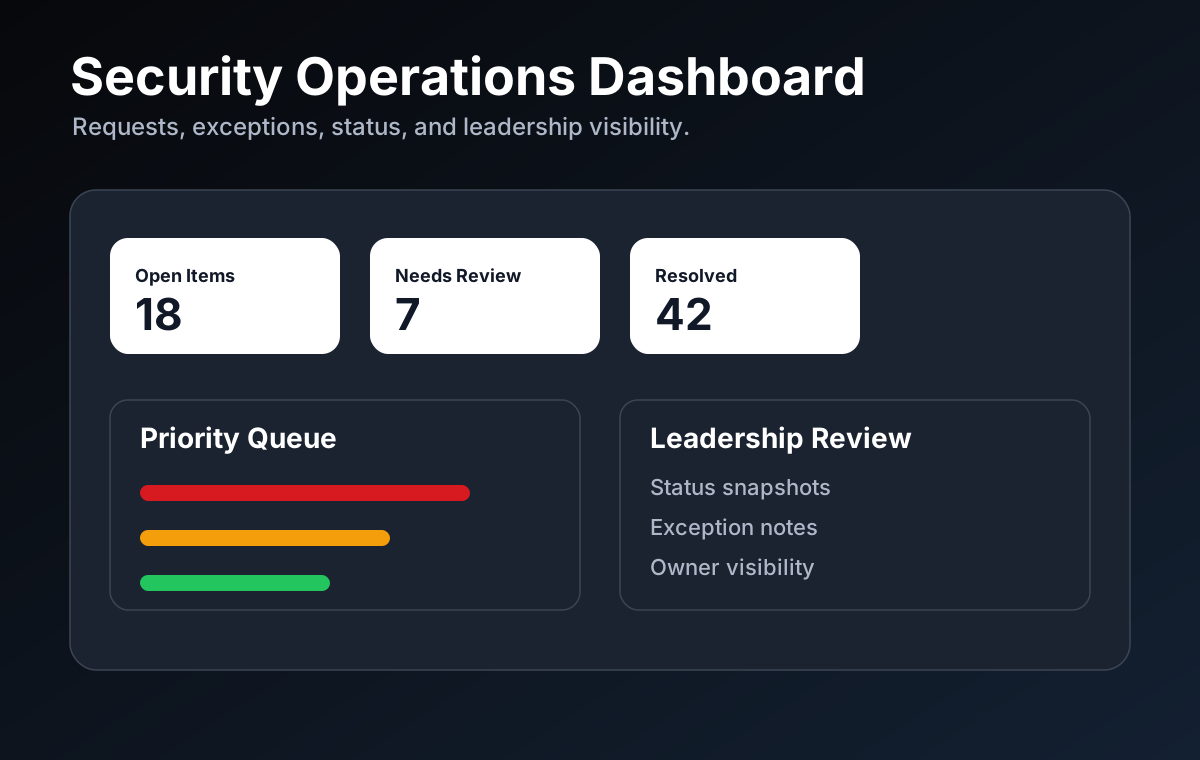
Operational visibility for requests, exceptions, status, and leadership review.
View Example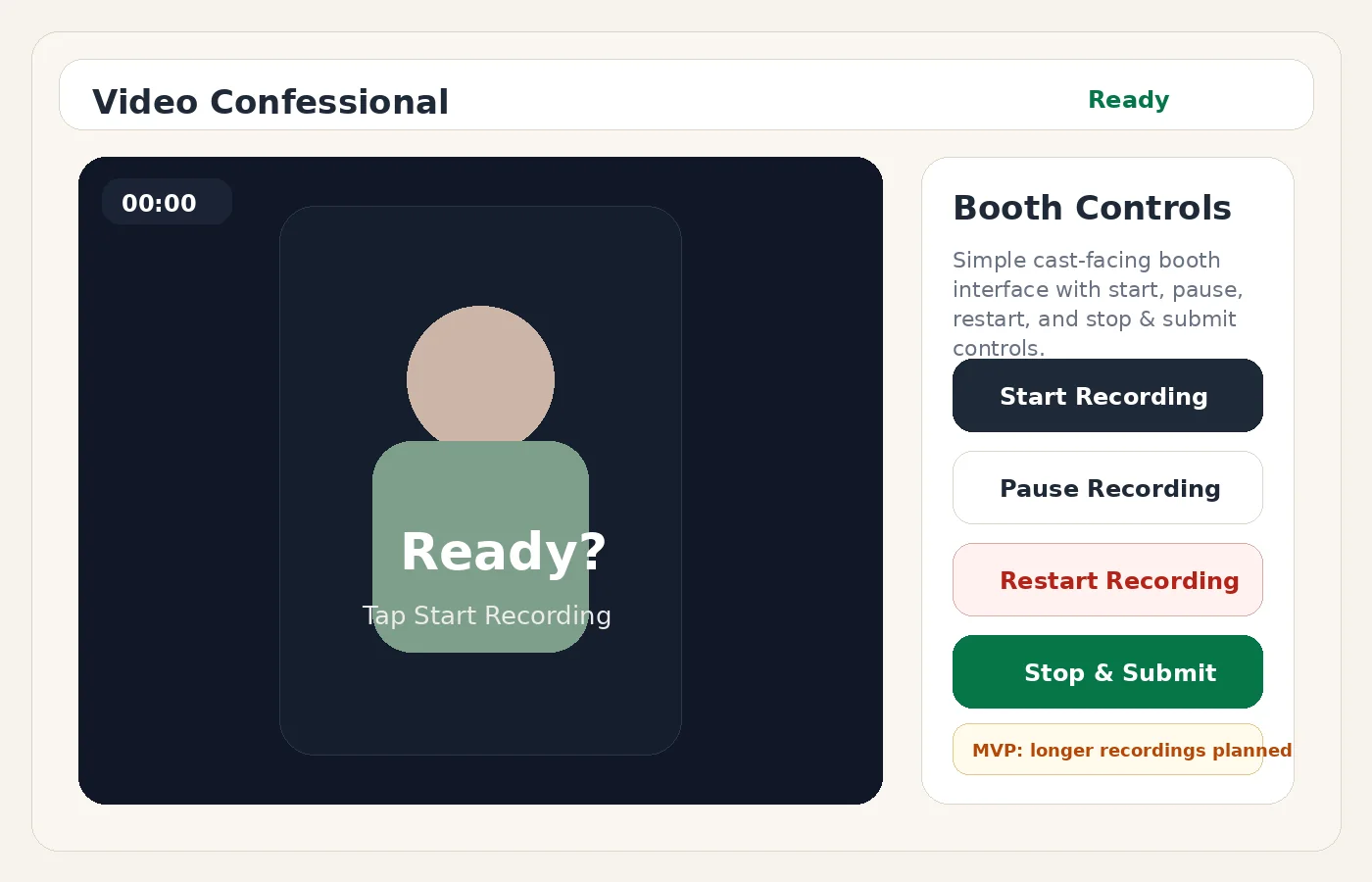
Workflow and capture concept for gathering stories, media, and organized submissions.
View Example
SEO-ready local business website designed to turn service pages into clearer leads.
View WebsiteArsenal Media’s national SEO content should target the language buyers use when spreadsheets, CRMs, emails, and manual follow-ups stop being enough.
For owners who need one place to see customers, jobs, staff, approvals, training, and reports.
For teams that need private business software built around their workflow instead of generic SaaS.
For contractors who need lead tracking, estimates, job status, follow-ups, crew handoffs, and production visibility.
For businesses that need staff profiles, training, approvals, payroll visibility, and performance reporting.
For companies that want fewer manual handoffs, clearer ownership, and better next-step visibility.
For owners who feel like every update, task, customer, and report has to run through them.
For leadership teams that need filterable summaries, exportable reports, and operational visibility.
For service businesses that need website content, landing pages, and service pages built around buyer intent.
The best-fit companies are usually already busy. They have people working hard, but important information is scattered across too many places.
Track leads, estimates, jobs, crews, production handoffs, customer notes, and follow-ups without living in spreadsheets.
Manage staff records, recurring work submissions, approvals, training, payroll visibility, performance, and reports.
Organize work orders, requests, locations, vendors, assets, maintenance, overdue items, and team responsibility.
Coordinate requests, volunteers, staff tasks, follow-up, training, reporting, and approvals in one simple command center.
Track shows, jobs, staff assignments, equipment, training, approvals, reports, and internal communication.
Connect the operational system to a better website, stronger SEO pages, clearer calls-to-action, and better lead capture.
A good dashboard is not just a pretty screen. It is a workflow decision. It decides what needs a status, what needs an owner, what needs approval, what needs a due date, and what needs to be reported.
Open requests, overdue follow-ups, pending approvals, incomplete training, customer notes, and job status become visible before they become problems.
Tasks, submissions, jobs, approvals, and follow-ups should have a responsible person, a status, a date, and a next action.
The same operational problem can shape your website, case studies, landing pages, SEO content, and social media so buyers understand why you are different.
Most growing businesses are full of people working hard. The problem is that information is spread across emails, texts, spreadsheets, CRMs, calendars, training tools, and memory. The right command center gives the owner and team one place to see what needs attention.
New leads, estimate approvals, customer replies, and next steps get buried when there is no clear place to see who needs attention.
Tasks, approvals, training, and submissions become hard to track when ownership and status live in disconnected tools.
If everyone has to ask you for status updates, the system is living in your head. That works until the business grows.
These questions help the page rank for national buyer intent while answering what owners actually ask before they are ready to build.
It is a private web-based view of the important parts of your business: customers, jobs, staff, tasks, approvals, training, reports, follow-ups, and status.
When the spreadsheet has become the system of record, the reporting tool, the follow-up list, the approval queue, and the thing everyone is afraid to break.
Yes. A custom dashboard can support better lead capture, contact forms, landing pages, service pages, and SEO content so the website and workflow support each other.
Yes. The smartest approach is usually to start with one high-value workflow, prove it, then add the next module.
Tell me how your business currently tracks customers, tasks, jobs, approvals, training, and follow-ups. I’ll review the workflow and point you toward the simplest next step.