Work order visibility
Keep incoming requests and assignment status together.
A facility-management application demo bringing work orders, equipment, vendors, maintenance and location visibility together.
Facility operations app · Public demo
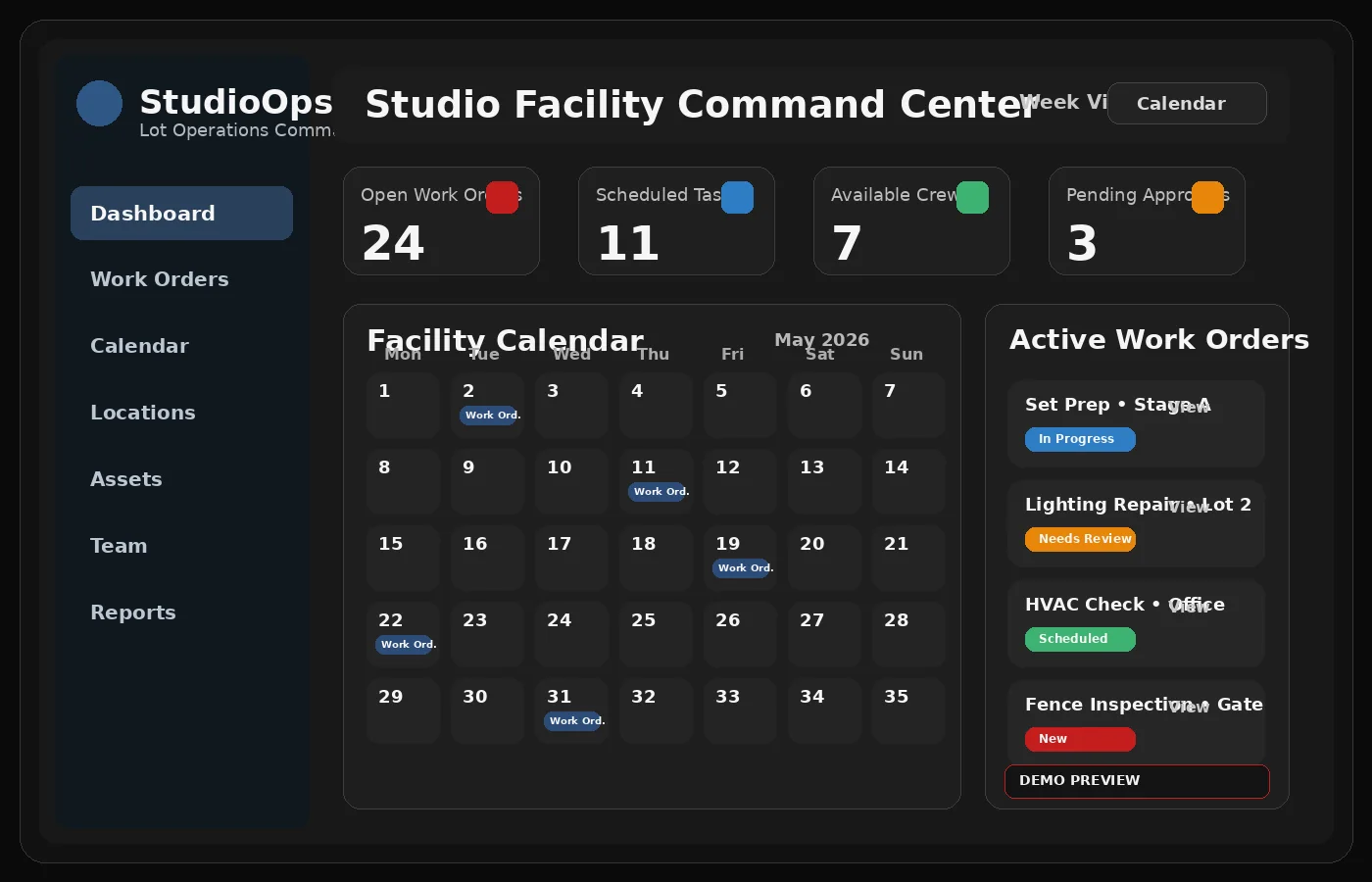
A facility-management application demo bringing work orders, equipment, vendors, maintenance and location visibility together.
Work orders and maintenance become difficult to coordinate when teams operate across locations, vendors and equipment.
A centralized facility operations concept with organized service requests, maintenance activities and management visibility.
Keep incoming requests and assignment status together.
Organize facilities, equipment and related information.
Bring scheduling, vendor coordination and follow-through into one process.
These are actual Arsenal Media screenshots and project assets, shown without cropping the interface.
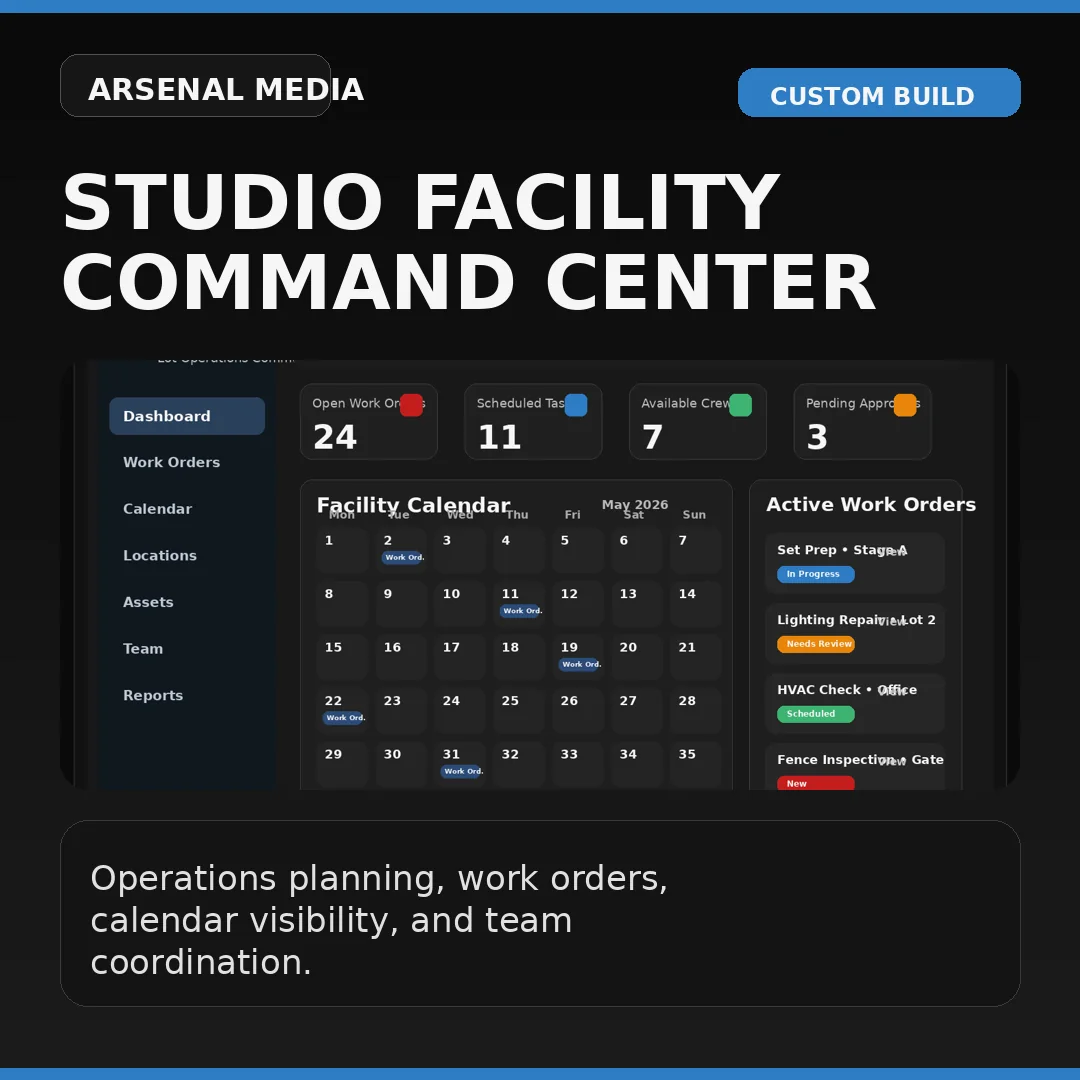
A centralized facility operations concept with organized service requests, maintenance activities and management visibility.
Start with what you need to improve, not a long technical specification.