Landscape Curbing App Case Study

CurbFlow Operations Center

A custom operations command center for decorative concrete curbing businesses, rebuilt with sales pipeline tracking, customer follow-up, quote design, production readiness, work orders, crew handoff, routes, reviews, documents, and admin controls.

IndustryLandscape curbing
Build typeCRM + field operations
Latest updatev12 command suite
StatusPublic demo
CurbFlow Operations Center preview

Project overview

CurbFlow started as a simple landscape curbing sales and scheduling demo. The latest update expands it into a full command suite for the way curbing contractors actually work: lead intake, footage-based estimating, profile and color selections, quote design, approvals, schedule handoff, production readiness, and crew work orders.

34demo navigation areas
8major workflow modules
0production records required

The problem this solves

Decorative curbing businesses need details that generic CRMs do not understand: footage, profile, color, pattern, prep notes, photos, deposits, crews, and install readiness.
Sales follow-up, estimates, scheduling, and job handoff often happen in separate tools or text threads, which makes it easy to miss details.
The demo needed to stay public and easy to test while still feeling like a serious product.

What was built

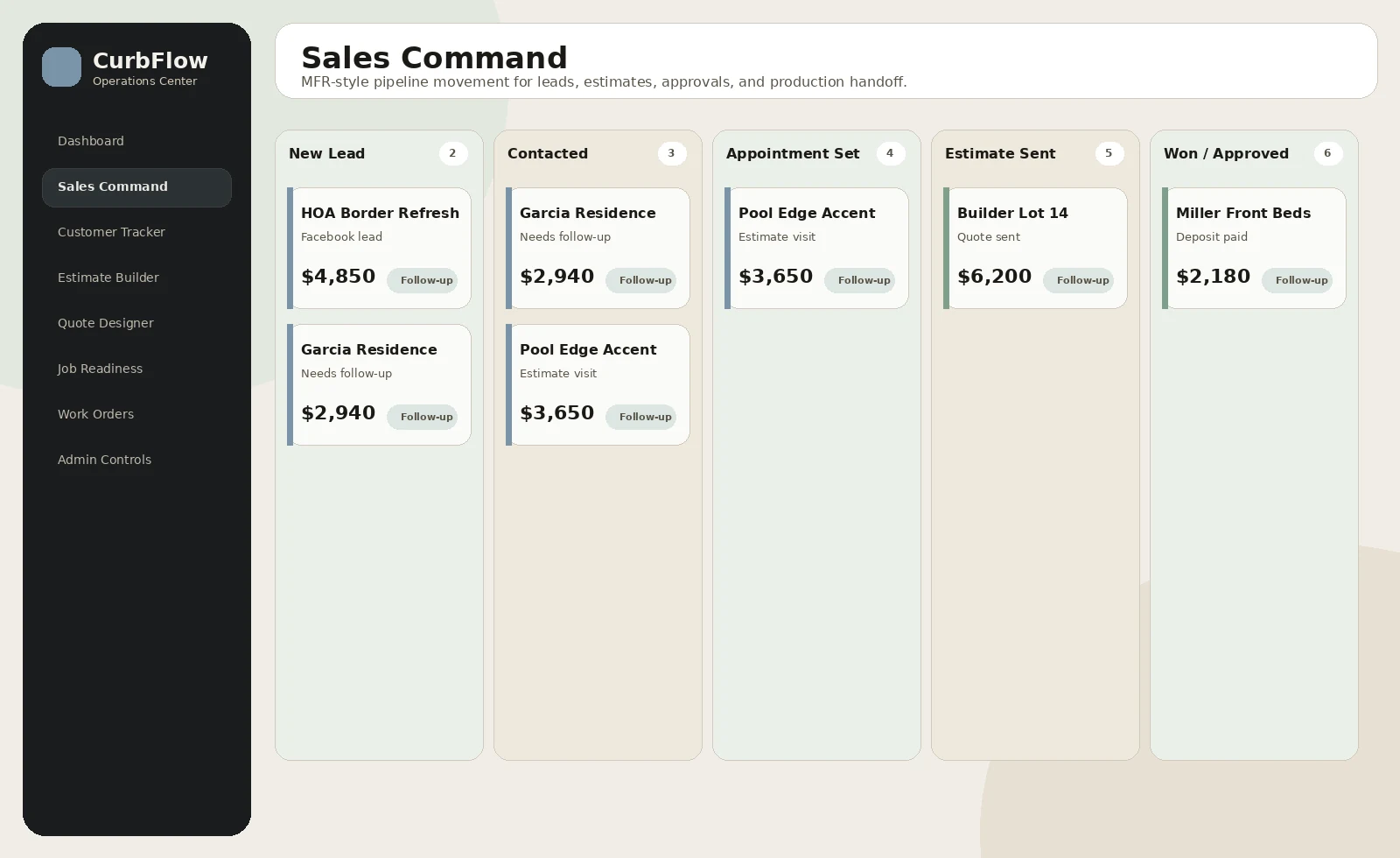
Sales Command board with customer movement across lead, estimate, approval, and production stages.
Customer Tracker with source, stage, quote value, next follow-up, and job status visibility.
Landscape curbing estimate builder with footage, profiles, add-ons, and pricing-controlled options.
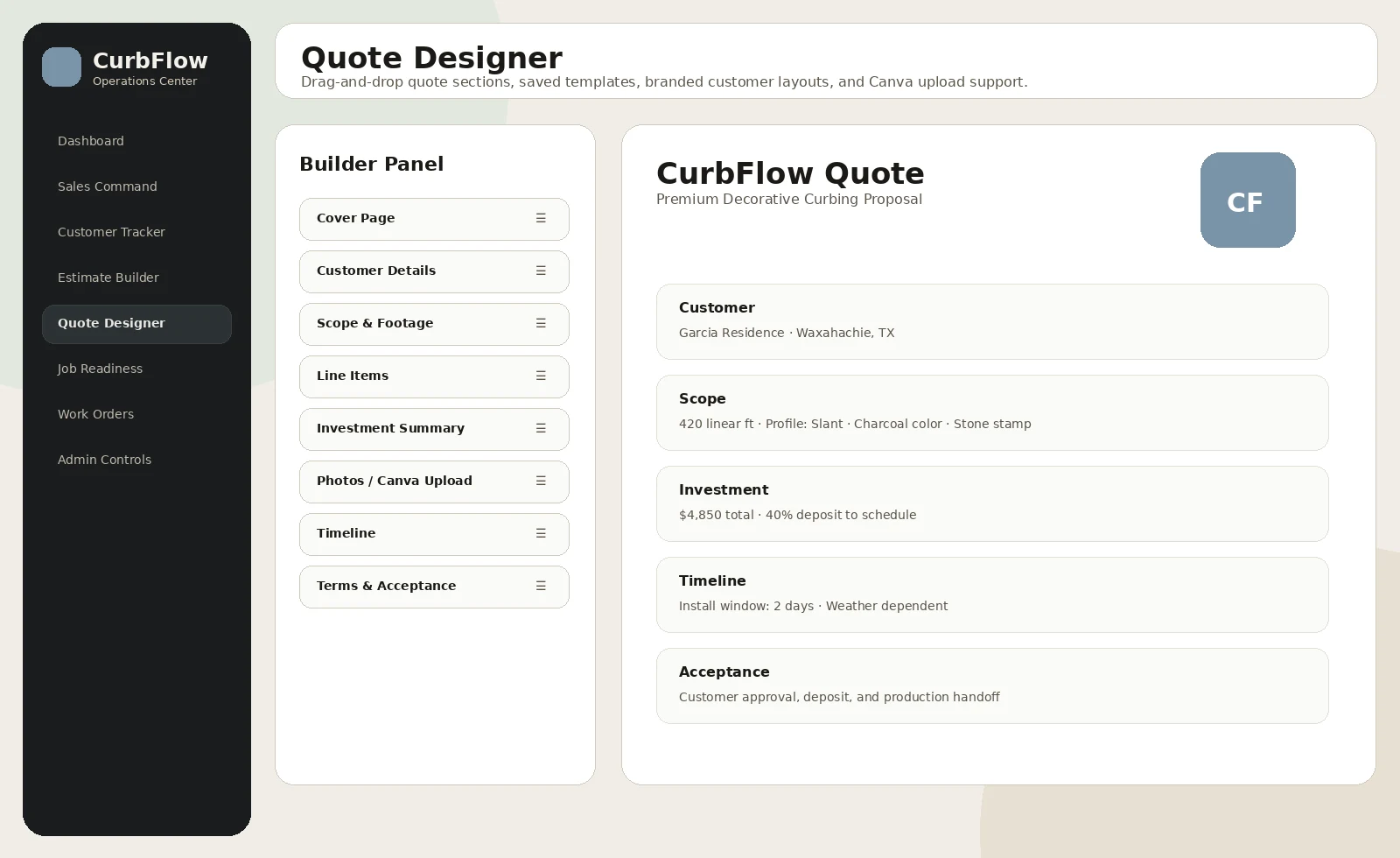
Quote Designer with draggable sections, saved templates, branded layouts, and Canva upload support.
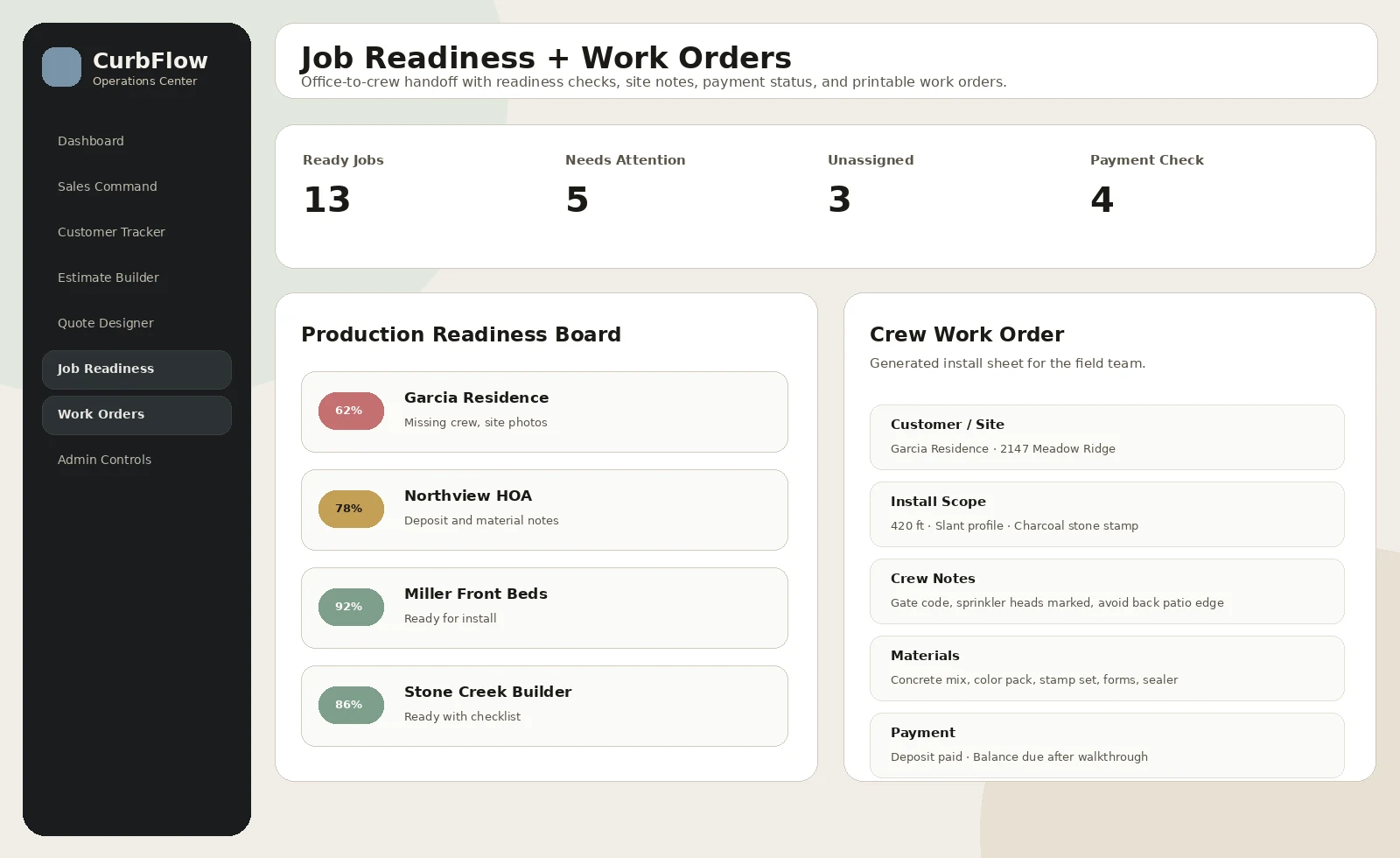
Job Readiness board and printable Work Orders for office-to-crew handoff.
Route planner, team/crew views, reviews/referrals, documents, approvals, change orders, and admin controls.

Why it matters

Turns a niche contractor workflow into a focused demo instead of a generic CRM.
Makes the sales-to-production handoff clearer for owners, office staff, and crews.
Gives prospective buyers a better sense of how a custom app can be shaped around their exact business process.

Screenshot walkthrough

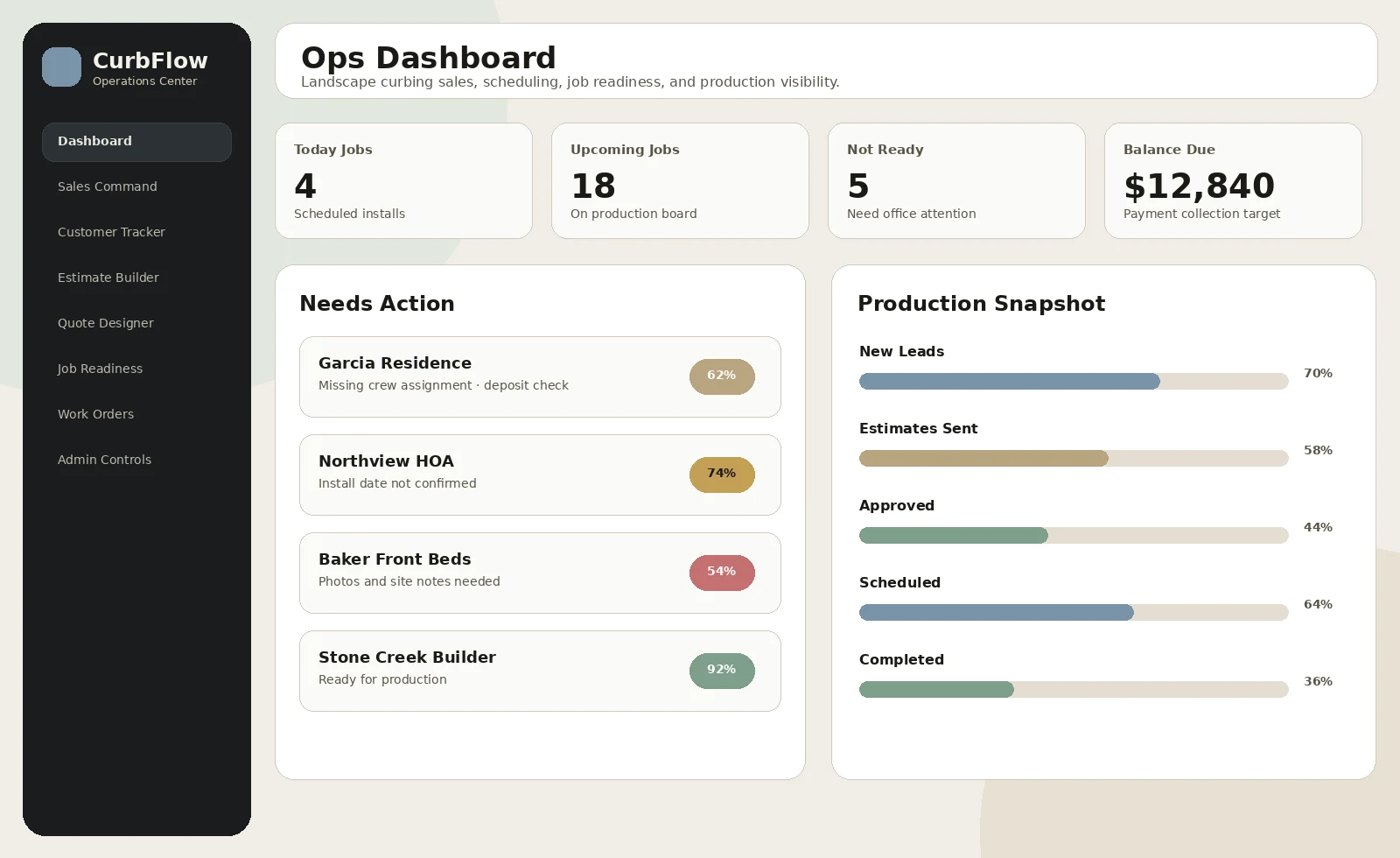
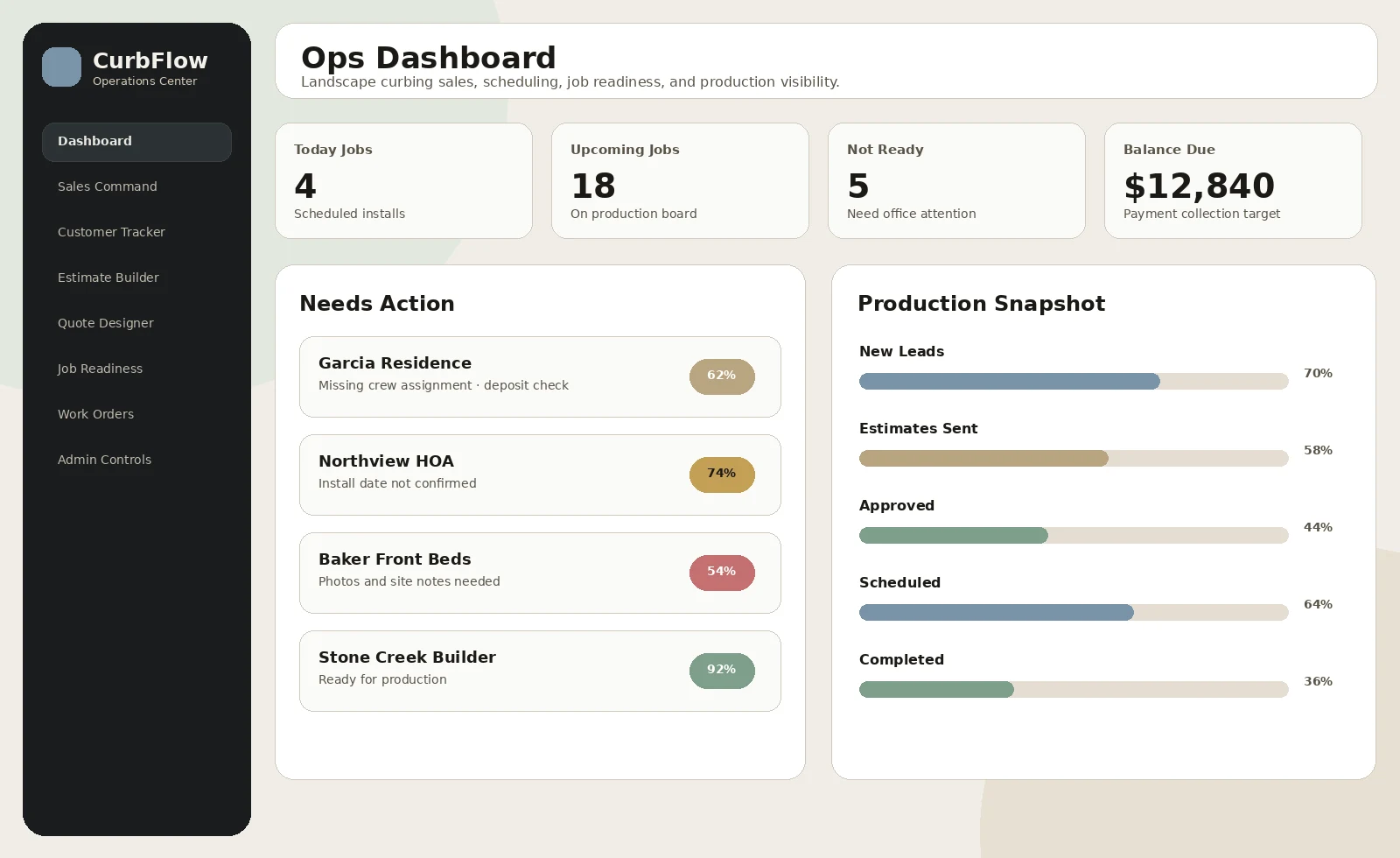
These visuals show the demo direction, major screens, and the kind of user experience the case study is presenting.

CurbFlow Operations Center screenshot
Operations dashboard
CurbFlow Operations Center screenshot
Sales Command pipeline
CurbFlow Operations Center screenshot
Quote designer and templates
CurbFlow Operations Center screenshot
Job readiness and work orders

Build approach

Identify the curbing-specific workflow from lead intake through job completion.
Add the MFR-inspired command suite features: sales command, customer tracker, quote designer, templates, marketing, campaigns, and admin controls.
Update the demo with dummy data and visible close controls so mobile users can return to the case study.
Create new screenshot assets and rewrite the case study around the expanded v12 demo.

Need something like this?

Arsenal Media can turn a messy workflow into a focused demo, internal tool, or customer-facing experience.

Start a Conversation
Start a Project